
Transcribe Field Notes with AI: Construction Guide (2025)
Stop spending your evenings typing reports in the office. Learn how to transcribe field notes on-site into structured professional reports instantly using AI.
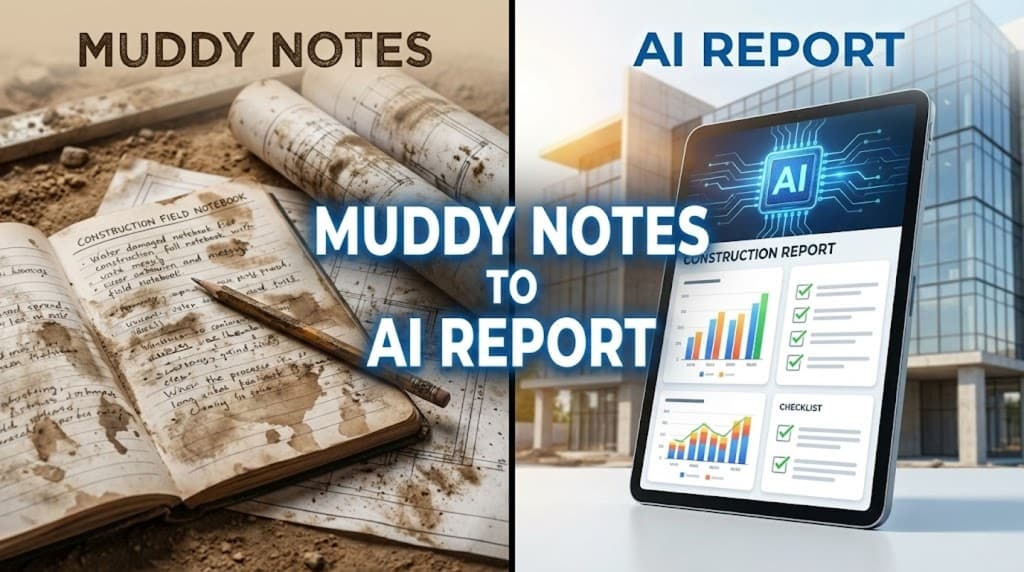
For architects, site managers, and inspectors, the real value is created on the ground. But the real time is often lost in the office.
In 2025, the industry standard has shifted. Leading firms no longer tolerate the "double work" of scribbling notes in a damp notebook only to spend two hours at a desk typing them up. By learning how to transcribe field notes with AI, field professionals are reclaiming their evenings and delivering more accurate project logs.
Here is the 2025 workflow for turning site chaos into structured professional reports.
Key Takeaways
- Zero Double-Entry: Speak your notes once. Let AI handle the formatting and categorization.
- Rugged Workflow: No complex apps needed on-site. Record with your phone's native app and process later.
- Noise Resilience: 2025 AI models isolate human speech even in high-noise environments (drills, engines, wind).
- Legal Safeguard: Automated speaker identification provides a clear record of "who said what" during site walks.
The "Admin Tax": Why Manual Field Notes are Failing
Construction and architecture are high-stakes fields where a missed detail can cost thousands.
- The Memory Gap: Waiting until the end of the day to document a site walk leads to "forgetful" reporting. You lose the nuance of a subcontractor's verbal commitment or the exact measurement of a slab.
- The Evening Bottleneck: Transcription is a low-value task. For every hour on site, managers typically spend 30 to 45 minutes in "admin mode."
- Communication Latency: If an issue isn't reported until the next morning, the fix might be delayed by a full day, causing a ripple effect across the schedule.
The 2025 "Say It Once" Workflow
Stop treating your smartphone like a toy. Treat it as your most efficient site assistant.
Step 1: Record as You Walk
Don't wait for a quiet moment. Record your observations as you see them.
- Example: "Level 3, North Wing. Conduit layout is blocking HVAC ducting. Subcontractor notified. Need revised shop drawings by Thursday."
- Pro Tip: Use your phone's native recorder. It is the most "field-proof" tool you have. (Check our Mobile Recording Guide).
Step 2: Upload to UserRecaply
When you're back in the truck or the site office, upload the audio. UserRecaply’s AI doesn't just transcribe; it decodes. It understands that "Level 3" is a location and "HVAC" is a trade category.
Step 3: Extract the "Site Recap"
Skip the raw transcript. Go straight to the Intelligence Recap:
- Progress Log: A summary of milestones hit today.
- The Punch List: A clear, numbered list of defects or issues found.
- Assigned Actions: A breakdown of who needs to be contacted (Plumber, Electrician, Owner).
Copy this structured data directly into your company’s Daily Log or Project Management dashboard.
Industry-Specific Use Cases
- Architects: Use "Punch Walks" to capture design deviations without stopping the flow of the tour.
- Safety Officers: Record safety observations hands-free while maintaining situational awareness (essential for site safety).
- Expert Witnesses / Legal: Transcribe site inspections for litigation. Speaker ID ensures that a contractor's verbal agreement is documented accurately.
Comparison: Traditional vs. AI-Powered Site Logs
| Feature | Handwritten / Manual | UserRecaply AI Workflow |
|---|---|---|
| Data Speed | 30 words/min (typing) | 150+ words/min (speech) |
| Admin Time | ~1.5 hours per visit | < 5 minutes |
| Context | Often lost in short-hand | Full logic & nuance preserved |
| Organization | Manual sorting required | Auto-categorized by Trade/Issue |
| Audit Trail | Vulnerable to "memory bias" | Objective record of site conditions |
FAQ – Transcribing Field Notes with AI
Q: Is the AI accurate enough for technical construction jargon? A: Yes. 2025 models are specifically trained on technical vocabularies including MEP, structural engineering, and building codes.
Q: What if it's too noisy to hear the recording? A: Modern AI uses neural voice isolation. Even with a generator in the background, the AI can isolate the frequency of your voice to provide a clean transcript.
Q: Can I share the report directly from the site? A: Yes. Since processing takes minutes, you can have a structured "Site Recap" ready to email to the client before you've even unbuckled your seatbelt.
Stop Typing. Start Building.
Your expertise is needed on the drawings and in the dirt, not on a keyboard. Reclaim your evenings and provide the most accurate site reports your firm has ever seen.