
How to Transcribe Coaching Sessions with AI for Better Client Results (2025 Guide)
Stop taking manual notes. Learn how AI transcription captures breakthroughs and action items during coaching sessions, allowing you to stay fully present.
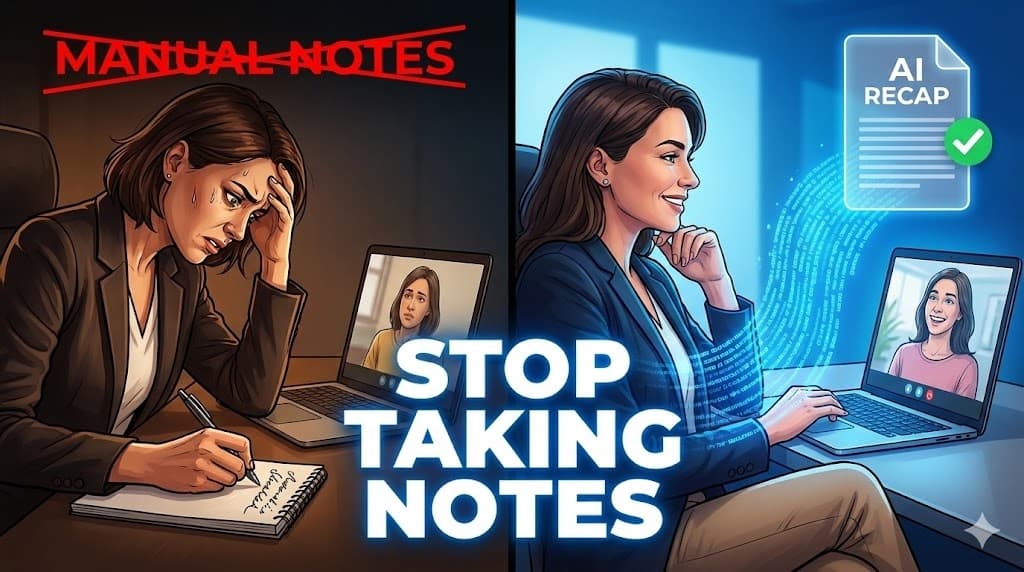
How to Transcribe Coaching Sessions with AI for Better Client Results (2025 Guide)
As a professional, executive, or business coach, your most powerful tool is active listening.
Yet there is an ongoing conflict: you must be fully present for your client while also capturing the breakthroughs, commitments, and assigned actions. Manual note-taking disrupts the "flow," and skipping notes altogether risks losing the very insights that justify your high-value expertise.
In 2025, leading coaches are resolving this by transcribing coaching sessions with AI, turning deep conversations into structured, actionable client plans.
Here is how to automate your session documentation without sacrificing the human connection.
Key Takeaways
- The Presence Paradox: Note-taking reduces empathy. AI allows you to be 100% present.
- The Value-Add: A structured post-session recap often provides more tangible value to the client than the talk itself.
- The Strategy: Record → Upload → Extract Insights.
- Privacy: Intimacy is key. Choose tools that respect confidentiality and don't "invite" intrusive bots into your private sessions.
Table of Contents
- Why Active Listening and Note-Taking Conflict
- How to Create a Client Action Plan in 3 Steps
- The "Breakthrough" Extraction: What AI Finds in Your Sessions
- Choosing the Right Tool: Recording Bots vs. Private Uploads
- Ethics & Confidentiality: The Coach’s Duty
- FAQ – AI Transcription for Coaching
Why Active Listening and Note-Taking Conflict
The most powerful coaching moments often emerge in the silence between sentences or a slight shift in tone. If you are looking down at a notebook, you miss these critical non-verbal cues.
By transcribing your coaching sessions, you free yourself to be a coach, not a clerk.
Furthermore, clients frequently forget their own most profound statements. Having a transcript allows you to quote them accurately in your recap: "You said today that your biggest fear is X..." This reinforces ownership and psychological growth in a way manual notes never could.
How to Create a Client Action Plan in 3 Steps
You don't need to change your coaching style; just your documentation process.
Step 1: Record the Session
Whether in-person or virtual, capture high-quality audio.
- For Remote: Use the recording feature in Zoom or Teams (see our Zoom Guide).
- For In-Person: Use your phone (see our iPhone or Android guides).
- Consent Tip: Frame it positively: "I'm recording this to send you a perfect summary of our breakthroughs so you don't have to worry about taking notes."
Step 2: Upload to UserRecaply
After the session, upload the file to the dashboard. The AI will process the conversation in minutes.
Step 3: Share the "Recap"
Instead of a messy transcript, share a concise, structured summary. Most coaches include this in their follow-up email or upload it to their client portal (like Paperbell or Satori).
The "Breakthrough" Extraction: What AI Finds in Your Sessions
UserRecaply goes beyond simple words to identify meaning:
- The "Aha!" Moments: Points where the client realizes a pattern or a new strategy.
- Commitments & Homework: Specific tasks the client agreed to complete before the next call.
- Unresolved Questions: Topics that were raised but need deeper exploration in future sessions.
Choosing the Right Tool: Recording Bots vs. Private Uploads
In 2025, there are two main types of transcription tools. For coaching, the choice is critical:
| Feature | Meeting Bots (e.g. Otter/Fireflies) | Private Uploads (UserRecaply) |
|---|---|---|
| Experience | A "bot" joins the call as a participant. | Invisible. No intrusive bots. |
| Intimacy | Can feel like a third party is listening. | Maintains a private 1-on-1 feel. |
| Control | Records everything automatically. | You choose what to upload and when. |
| Data Training | Often uses data for public AI models. | Privacy-focused (No public training). |
Why Coaches Prefer Uploads: In high-stakes executive coaching, having an visible "AI Bot" in the Zoom gallery can prevent the client from being fully vulnerable. The "Record & Upload" method preserves the sacred space of the session.
Ethics & Confidentiality: The Coach’s Duty
Confidentiality is the foundation of the coaching contract.
- Security: Use tools that offer encryption and respect GDPR or equivalent privacy standards.
- Permission: Always obtain verbal or written consent before recording.
- Data Usage: Ensure your transcription provider isn't using your private sessions to train their general AI models. (UserRecaply keeps your data private).
FAQ – AI Transcription for Coaching
Q: Can I transcribe group coaching or masterminds? A: Yes. The AI features speaker identification to track who made which breakthrough in a group setting.
Q: How long does the summary take to generate? A: Usually 5 minutes for a 1-hour session. You can send the recap while the session is still fresh in the client's mind.
Q: Is it ethical to use AI? A: Absolutely, provided you are transparent. It increases the value you deliver by ensuring nothing important is forgotten.
Coach the Human. Let AI Handle the Documentation.
Your true value lies in your presence and your ability to ask the right questions. Stop the post-session "typing grind" and start delivering a professional recap that keeps your clients coming back.